

Add-ons
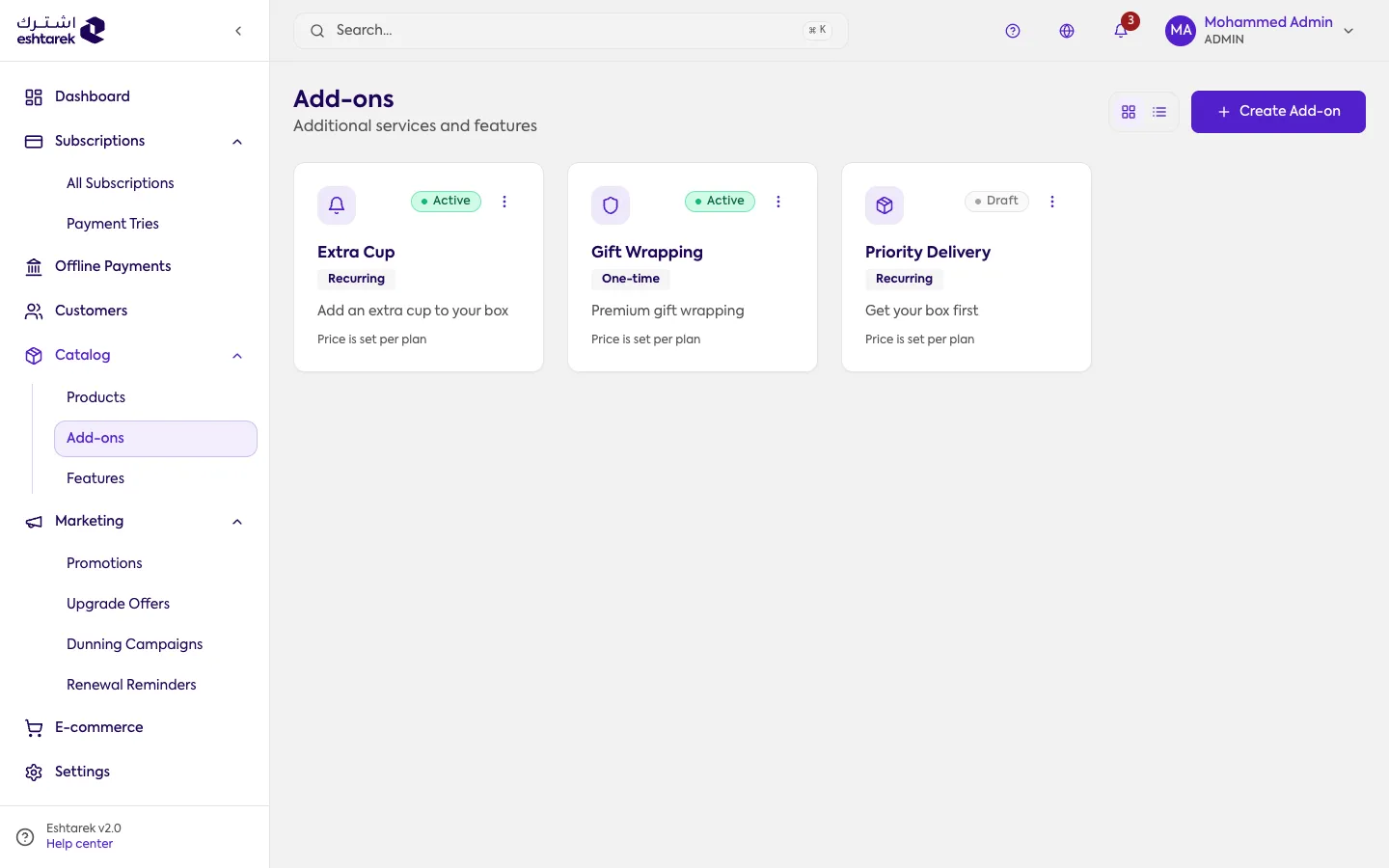
Add-ons are services or extras a customer buys on top of their subscription.
What this screen is
Section titled “What this screen is”Create add-ons to offer alongside your plans, such as “priority support” or “gift wrapping”. Each add-on is either recurring, charged with every cycle, or one-time.
The fields
Section titled “The fields”Open an add-on for editing from the More actions menu on its row:
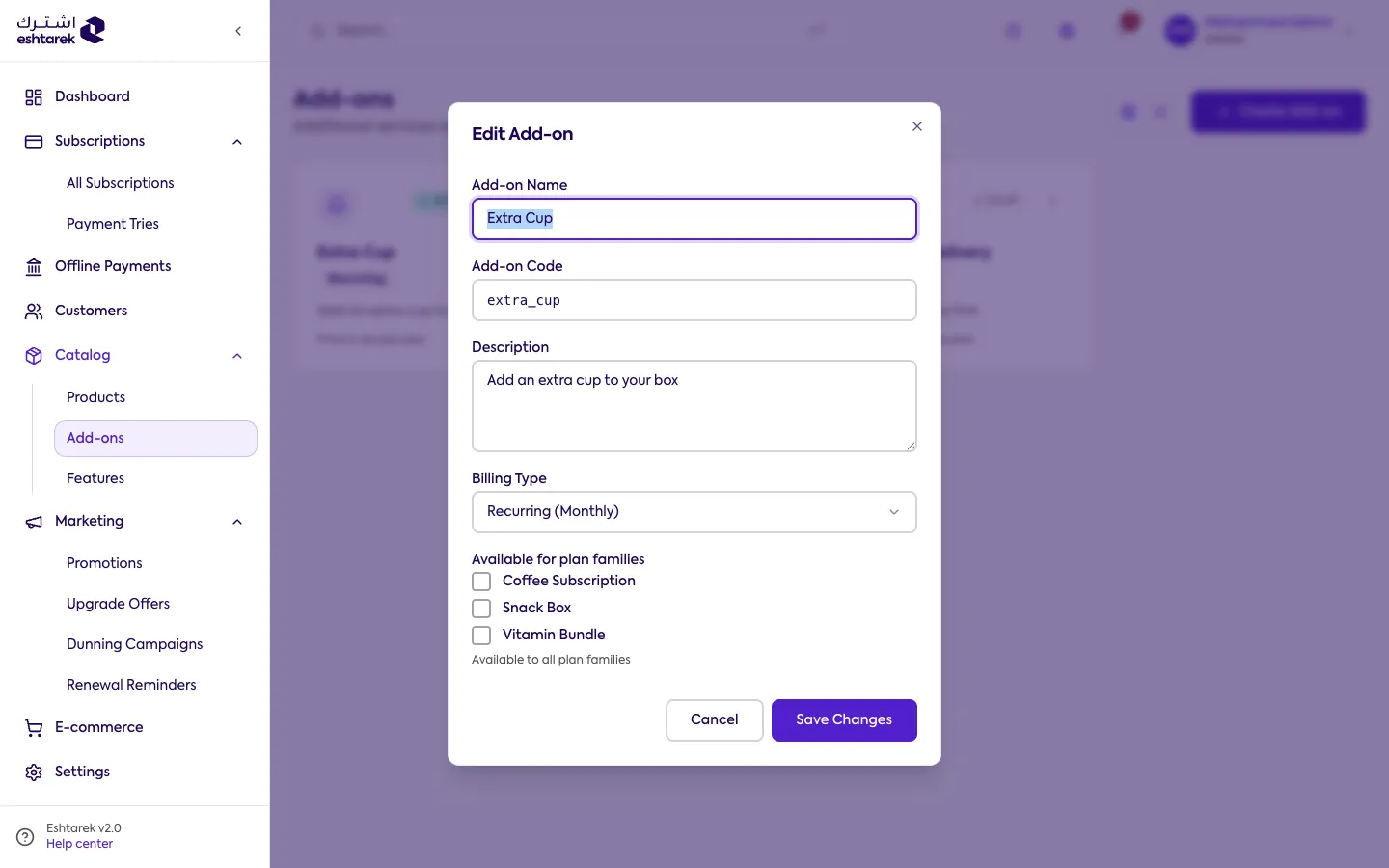
- Name, code and description.
- Type: recurring or one-time.
- Price and currency.
- Available for: the products and plans this add-on appears on, either all of them or specific plans.
What happens after you save
Section titled “What happens after you save”The add-on appears to customers on the plans you chose. Deleting an add-on is permanent.
Changing the type reaches existing subscribers, not just new ones. A subscriber’s add-on reads its billing type from this add-on, so switching from one-time to recurring starts charging it again at every renewal for anyone who bought it once, and the reverse stops charging anyone who pays it each cycle from their next renewal. Existing subscriptions are repriced at renewal, which is why the screen asks you to confirm.
If something goes wrong
Section titled “If something goes wrong”- An add-on is not showing to a customer: check it is available on the plan they subscribed to and that its status is active.