

Send a payment link to a customer
Sometimes you want to start the subscription yourself and send the customer a link to complete payment.
The steps
Section titled “The steps”- From New subscription, choose the customer.
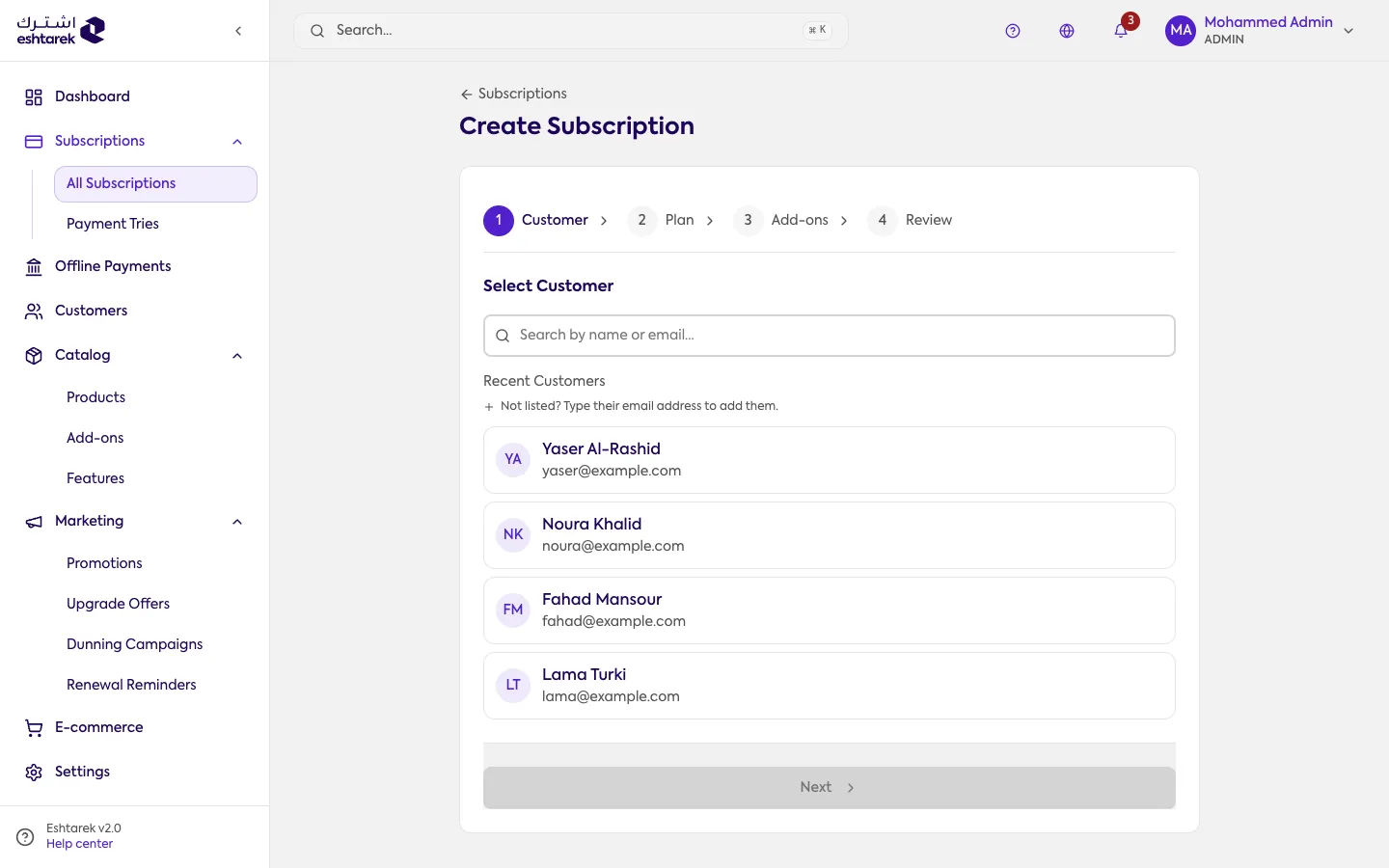
- Move to the plan and pick it: the product, then the plan, then the billing option. Pass through the add-ons step to review.
- In the review step, choose send payment link.
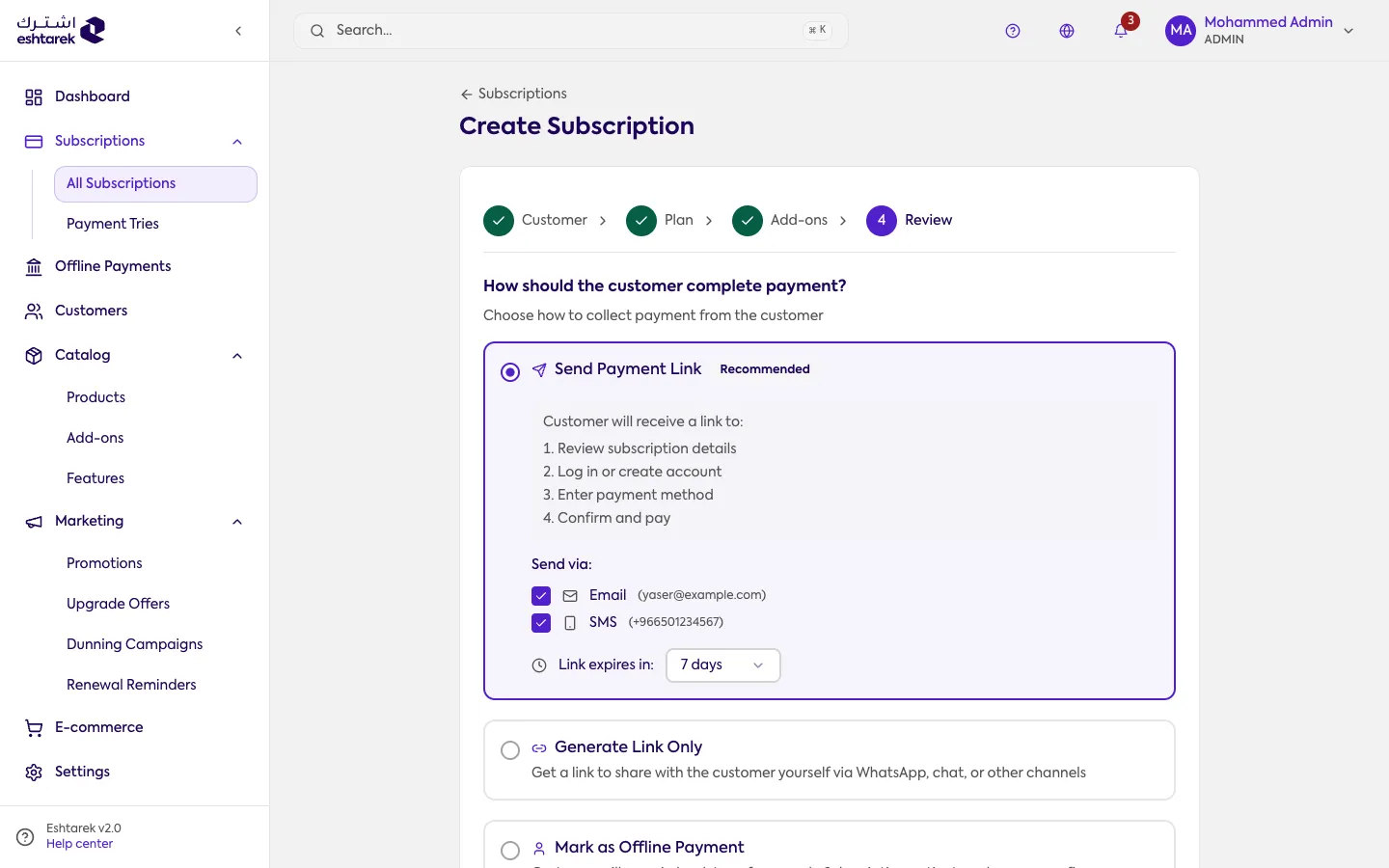
- The customer receives a link to pay themselves. You can send it by email or SMS, set how long it stays valid, or copy and share it yourself.
Other ways to pay
Section titled “Other ways to pay”In the same review step, instead of a link you can:
- Record as an offline payment if the customer paid by transfer or cash. See Offline Payments.
- Mark it free to record the subscription without collecting anything.
When the subscription becomes active
Section titled “When the subscription becomes active”If you chose a payment link, the subscription does not become active until the customer pays.