

Email templates
Customise the emails your customers receive at each event.
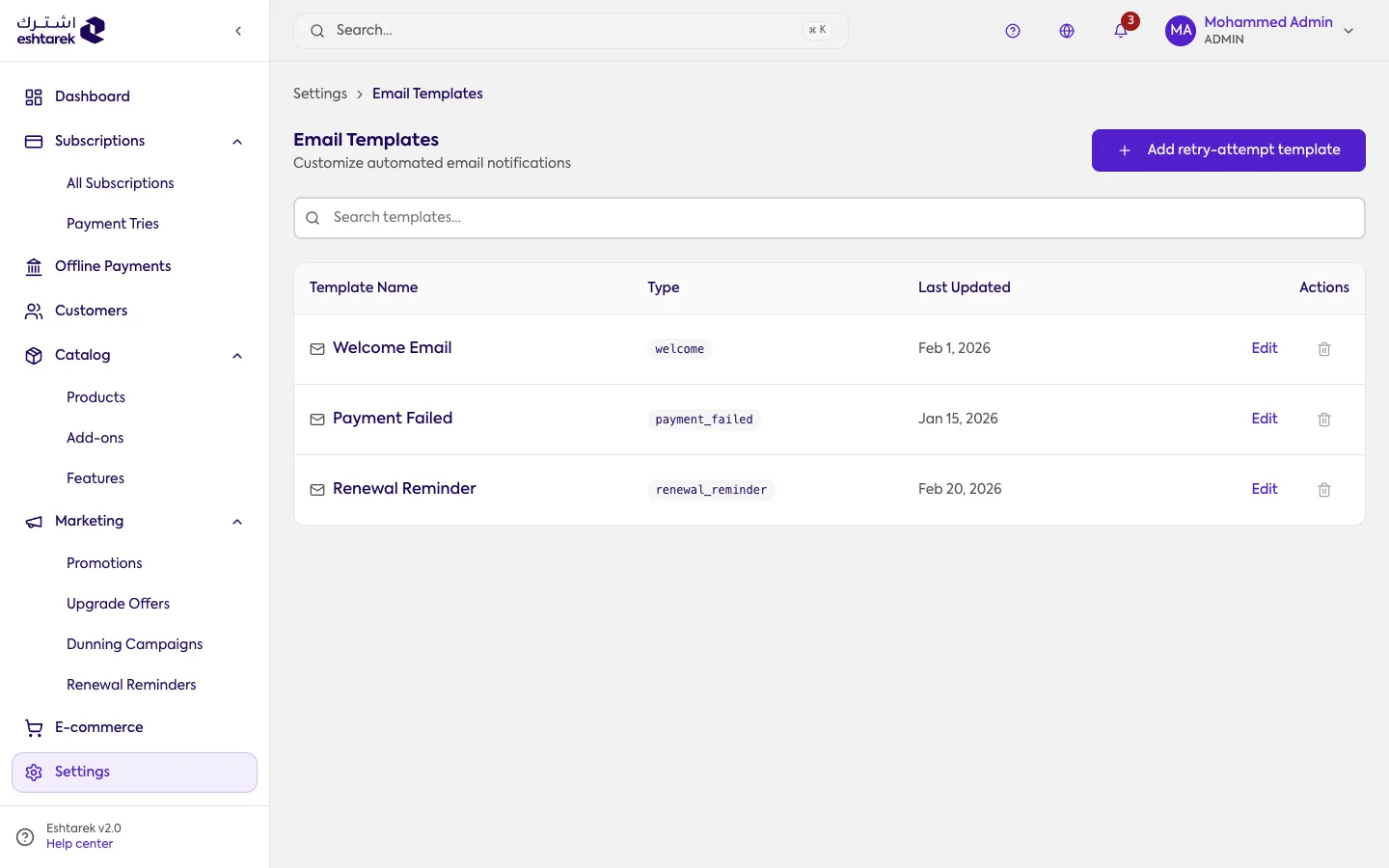
What this screen is
Section titled “What this screen is”A template per event. The available events include welcome, renewal reminder, payment succeeded, payment failed, subscription activated, subscription cancelled, subscription paused, and card expiring.
The fields
Section titled “The fields”- Template name, event type and language, then the subject line and the email body.
- Available variables to drop into the text, such as the customer’s name, the plan name and the store name, each with a sample value.
- A preview tab shows the email as it will arrive, and send test sends it to an address you choose.
A template per retry
Section titled “A template per retry”Add a retry template creates a separate message for each attempt in your dunning schedule, so the first attempt can read more gently than the third.
What happens after you save
Section titled “What happens after you save”The template becomes active, and the email is sent in its new form when the event occurs.
Some templates cannot be deleted, and the reason appears on the delete button: the only template of its type is the one the system actually sends, and at least one retry template must remain or the campaign has no message to send. Editing is available in both cases.