

Launch your first plan
The shortest path from nothing to a subscription you can sell.
The steps
Section titled “The steps”- From Products, choose Create Product and name it, such as “Coffee Box”.
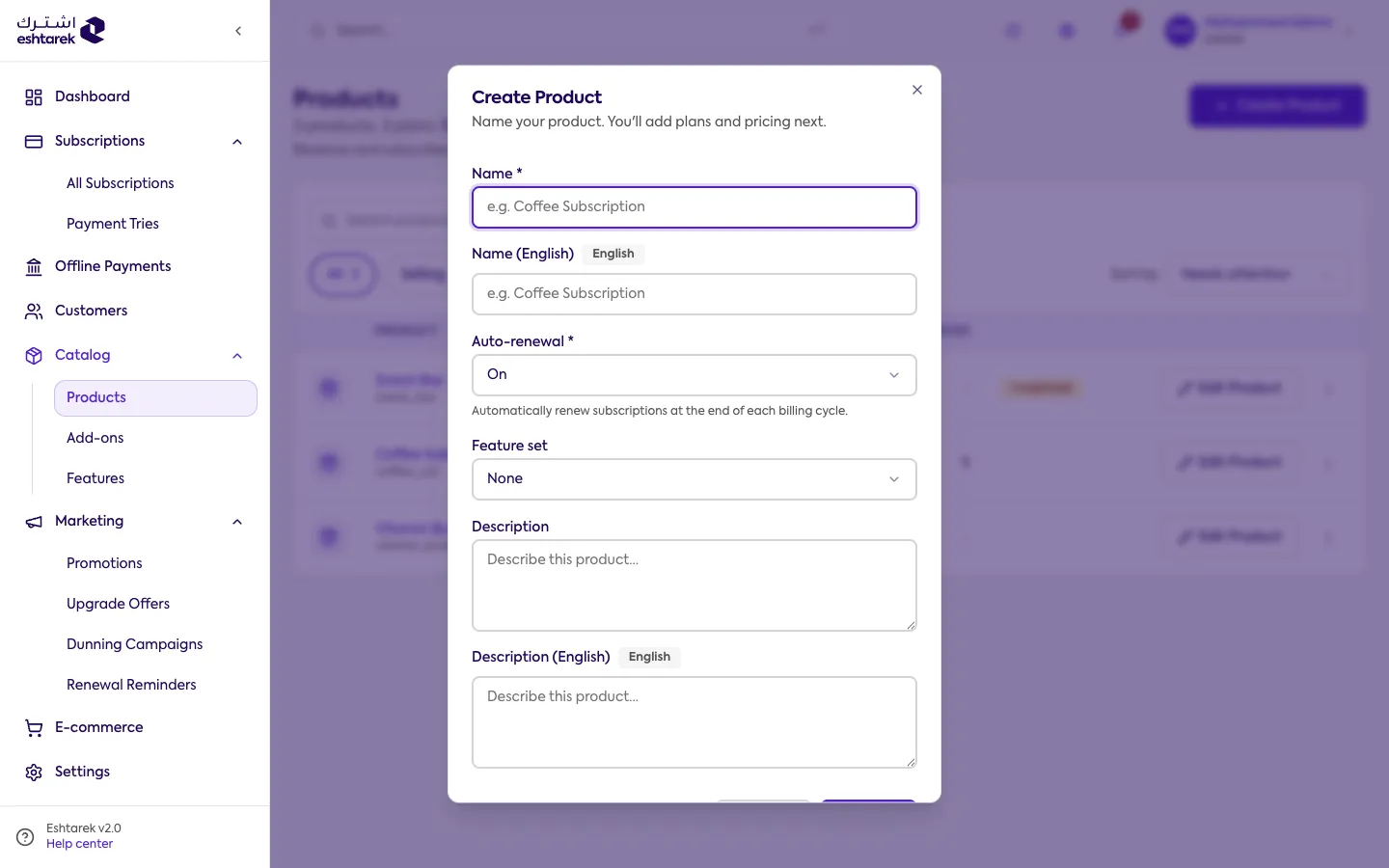
- Add a plan to the product, such as “Basic”.
- Open the plan page and choose Add price, setting the amount and the billing cycle.
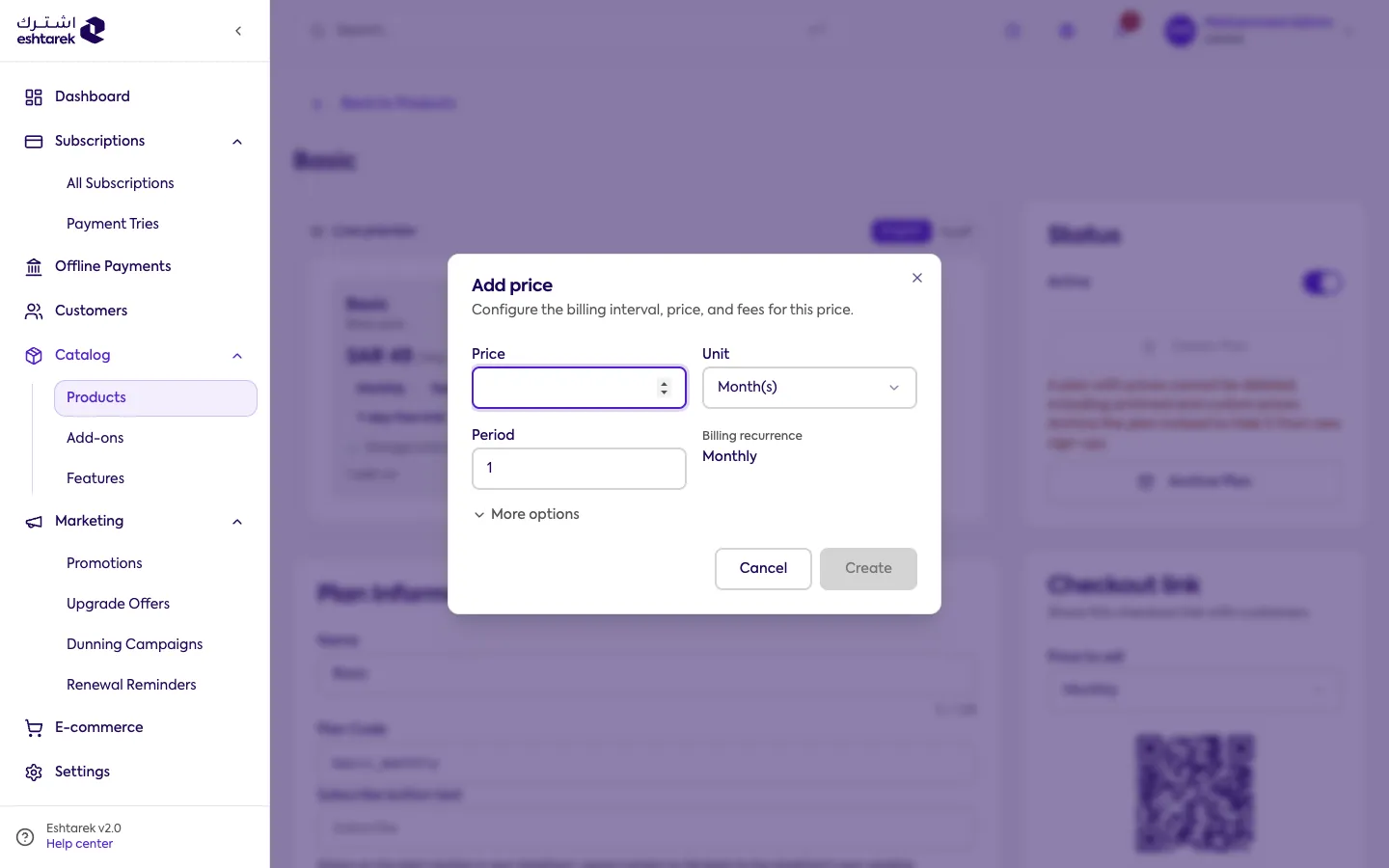
- Once an active price exists, the plan can be subscribed to and gets a checkout link.
- Copy the checkout link and share it with your customers. See going live.
Remember
Section titled “Remember”A plan with no price cannot be subscribed to, and shows an alert in the products table until you add one.