

Limited access for a team member
Not everyone on your team needs full permissions. Give each member the role that fits.
The steps
Section titled “The steps”- From Team, choose Invite Member.
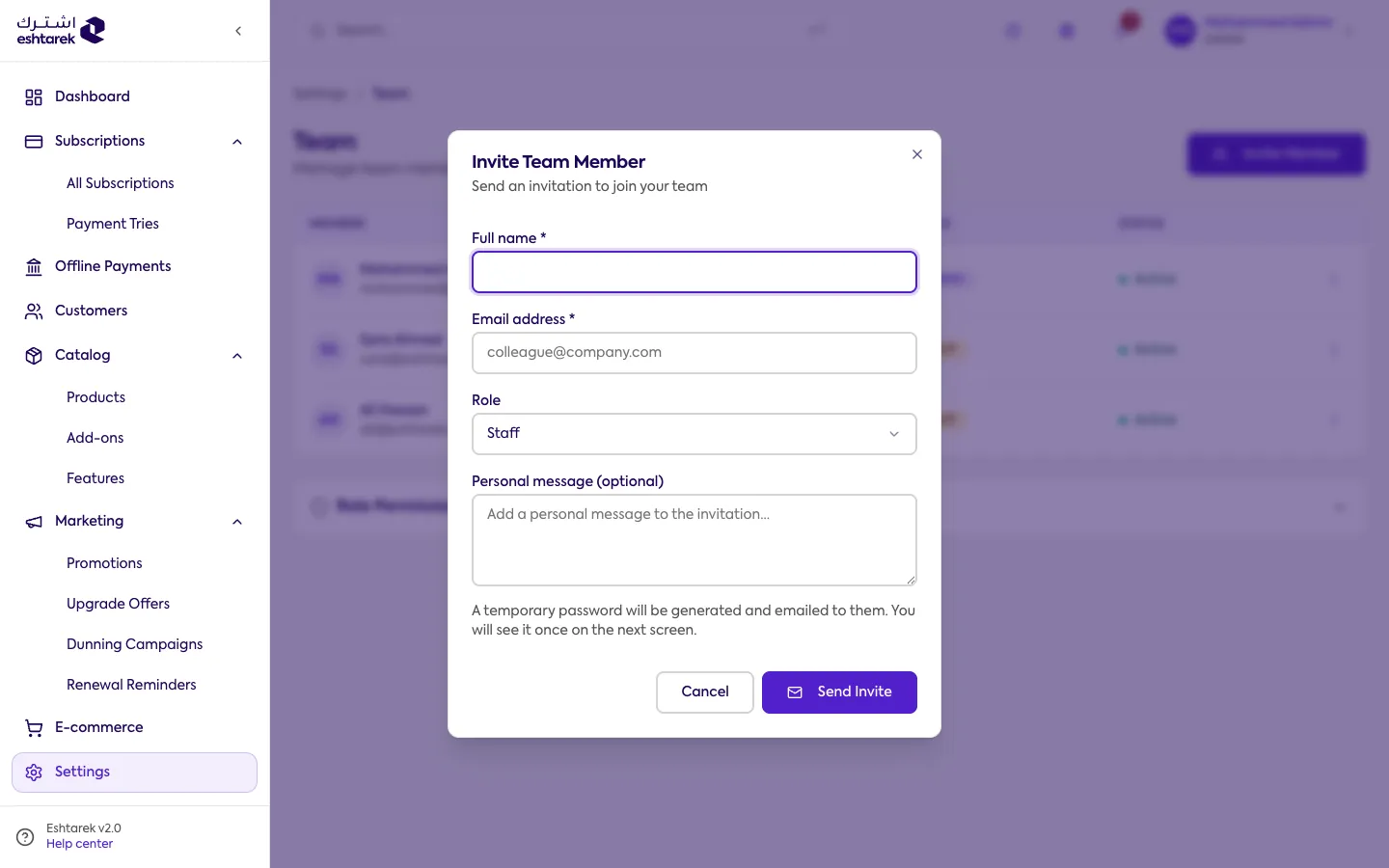
- Give them the right role:
- Staff: manages subscriptions, customers and the catalog.
- Viewer: read-only.
- Keep admin for people who genuinely need full permissions.
- Disabling a member suspends their access and is reversible.
- Removing a member is permanent.
If something goes wrong
Section titled “If something goes wrong”- You cannot edit a member’s permissions: an admin’s permissions cannot be restricted, and you cannot edit your own.