

Customers
Track your customers and open each customer’s record.
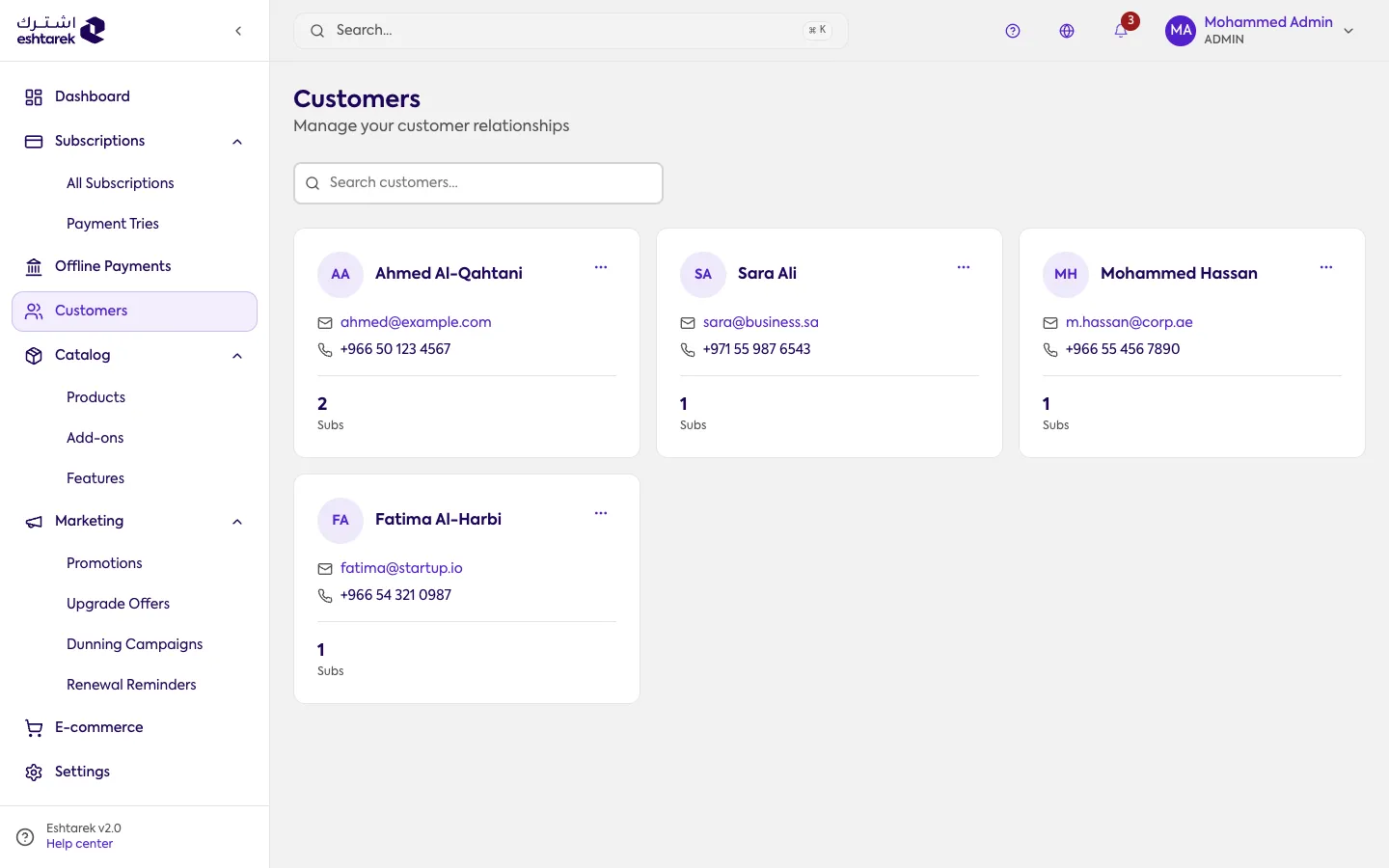
What this screen is
Section titled “What this screen is”Your customers as cards. Each card shows the name, email, phone and number of subscriptions. Above the list is a search by name or email.
A customer appears here when they first subscribe, whether they subscribed themselves or you created a subscription for them from New subscription.
The customer record
Section titled “The customer record”Open any customer to see their details:
- Their subscriptions: current and past.
- Payment history: successful and failed charges.
- Saved payment methods.
- Contact information.
If something goes wrong
Section titled “If something goes wrong”- You cannot find a customer: search by name or email. A customer does not appear before they have a subscription.
- There is no button to add a customer: customers are not created by hand. A customer appears when they subscribe, or when you create a subscription for them from New subscription.