

Branding
Make your store look like yours: your logo, your colours and your subscription widget’s text.
What this screen is
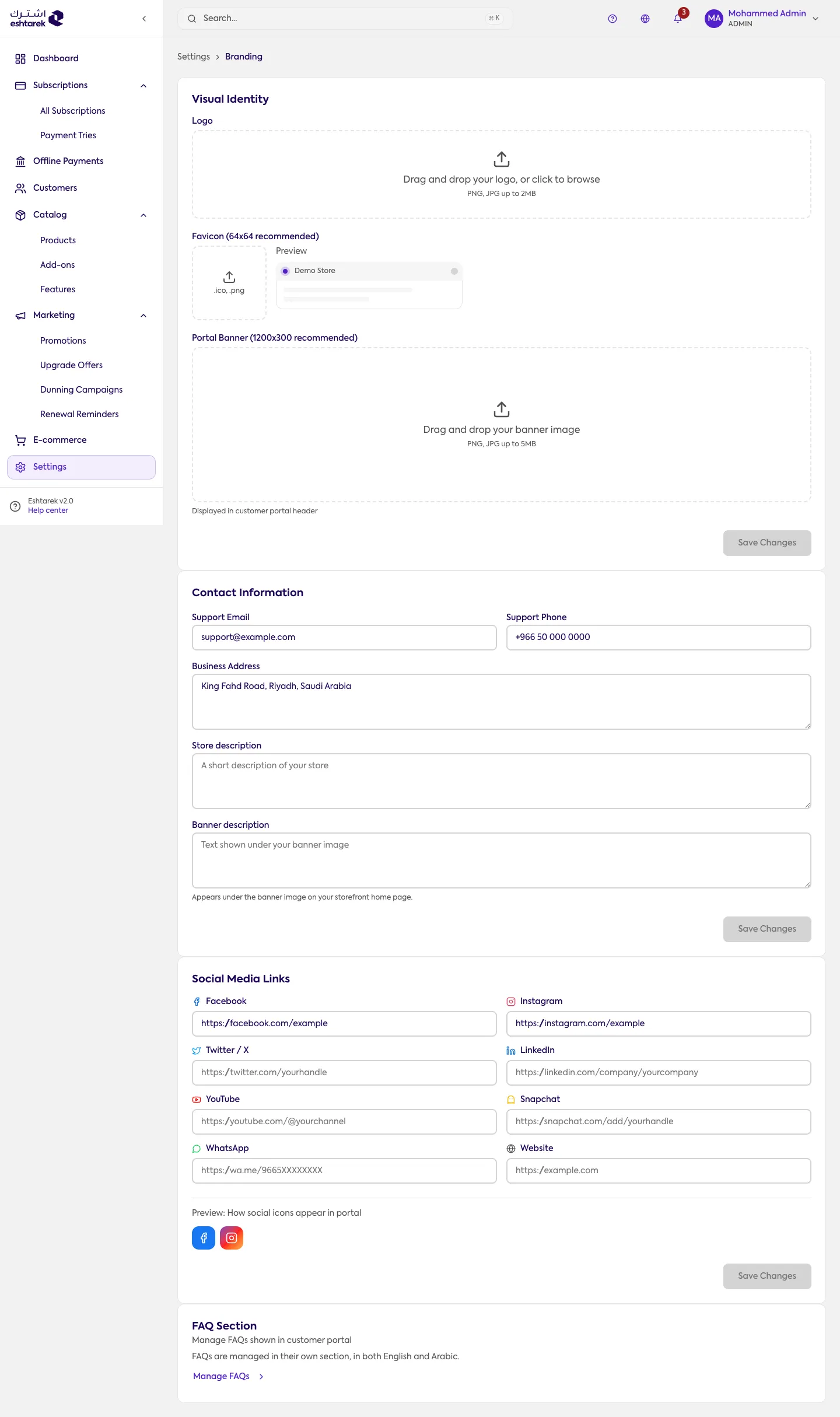
Section titled “What this screen is”Your store’s visual elements with a live preview: the logo, the browser icon, the portal banner, and the subscription widget’s text.
The fields
Section titled “The fields”- Logo: a PNG or JPG up to 2 MB.
- Browser icon: 64×64 preferred, ico or png.
- Portal banner: 1200×300 preferred.
- Widget text: the subscribe button label, the price suffix and others, in both languages. See widget settings.
- FAQs: managed on their own screen; this one only points you there.
What happens after you save
Section titled “What happens after you save”Your branding appears in your store portal and in the subscription widget immediately.
Some values are refused on purpose: a value that would break how your store renders is not saved, and you get a message instead of your customer getting the breakage.