

SMS templates
Customise the SMS messages your customers receive, and the sender ID they arrive from.
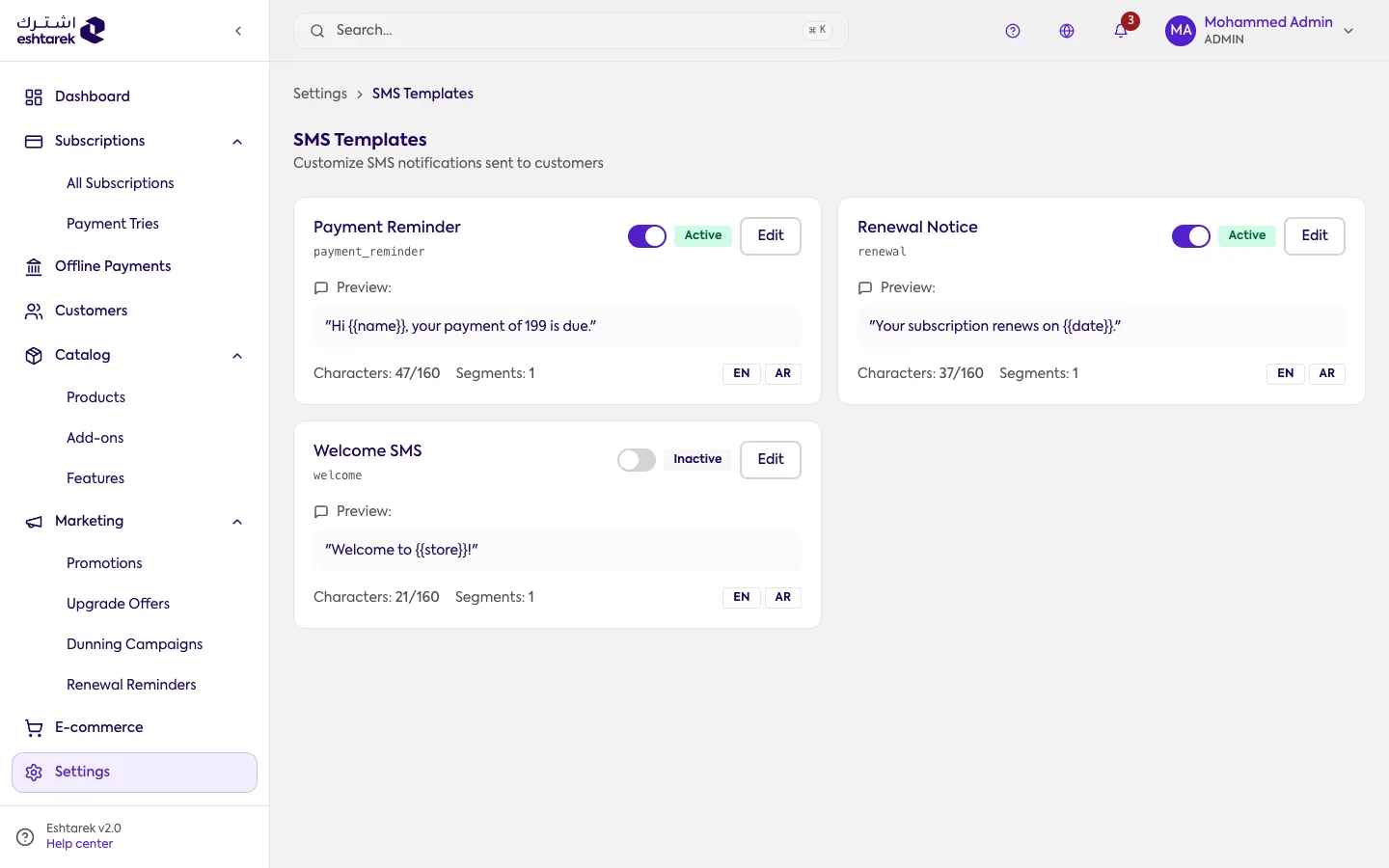
What this screen is
Section titled “What this screen is”Everything about text messages in one place: the sender ID, the provider, and the messages themselves.
The SMS provider
Section titled “The SMS provider”The provider is not configured on this screen. It lives in Integrations. Here you write the messages; there you connect the service that sends them.
The templates
Section titled “The templates”Each message has a template you edit, with a preview, a character counter and a segment count. You also set who receives this message: the customer, you, or both.
The fields
Section titled “The fields”- Sender ID: the name messages arrive from, up to 11 alphanumeric characters.
- Opt-out message: an option to append an unsubscribe line to every message.
If something goes wrong
Section titled “If something goes wrong”- Messages are not arriving: check the provider is active, not merely configured, and that test mode is off.
- A message is longer than you expect: the counter shows the segment count. Arabic consumes characters faster, and a two-segment message is billed twice by the provider.