

Zid settings
Set up the Zid integration and follow its connection status.
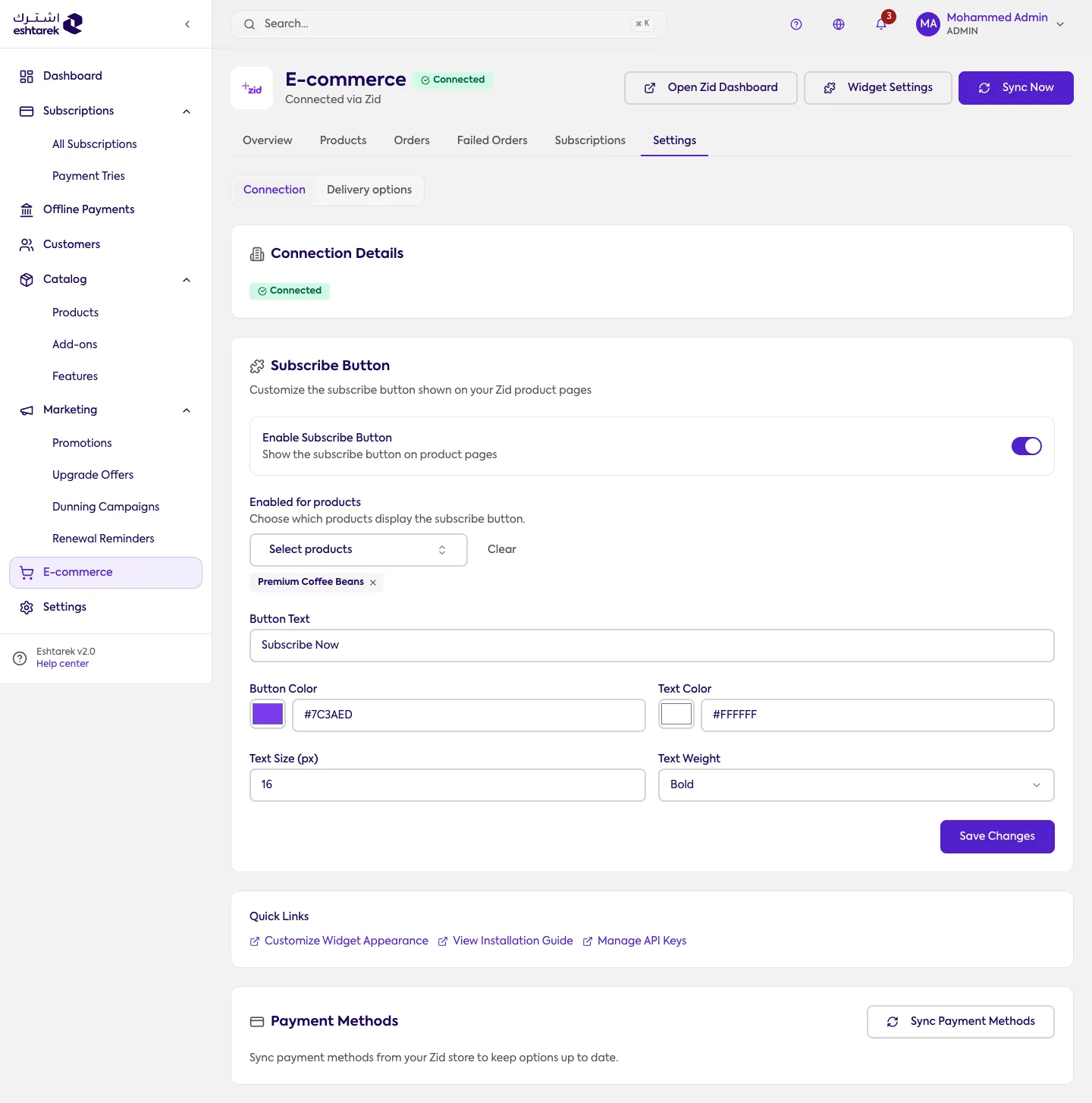
What this screen is
Section titled “What this screen is”It shows the connection details and their status: connected or not connected. From here you also reach delivery options and quick links for widget settings and API keys.
Connecting and disconnecting
Section titled “Connecting and disconnecting”You connect by installing the app from your Zid store. To disconnect, contact support.
If something goes wrong
Section titled “If something goes wrong”- Status says not connected after installing: reload the page, and if it persists contact support.