

Pause or cancel a subscription
From the subscriptions list you manage any subscription’s state directly: pause it, or cancel it.
Cancelling
Section titled “Cancelling”- From Subscriptions, open the subscription’s action menu and choose Cancel.
- A confirmation appears. Cancelling cannot be undone.
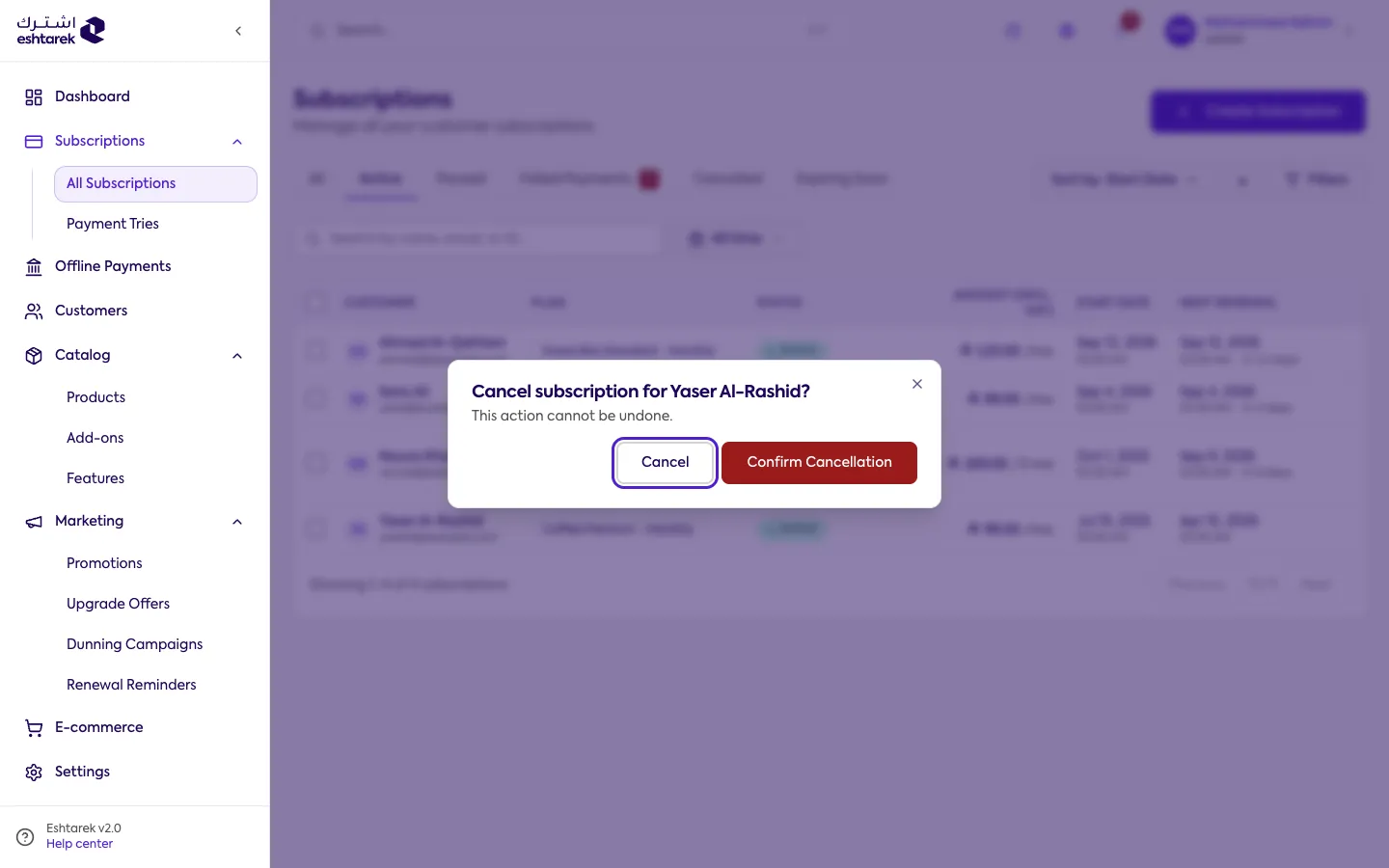
- Choose confirm to complete it.
Pausing and resuming
Section titled “Pausing and resuming”From the same menu:
- Pause: active subscriptions only. It stops renewal and collection until you resume.
- Resume: restarts a paused subscription.
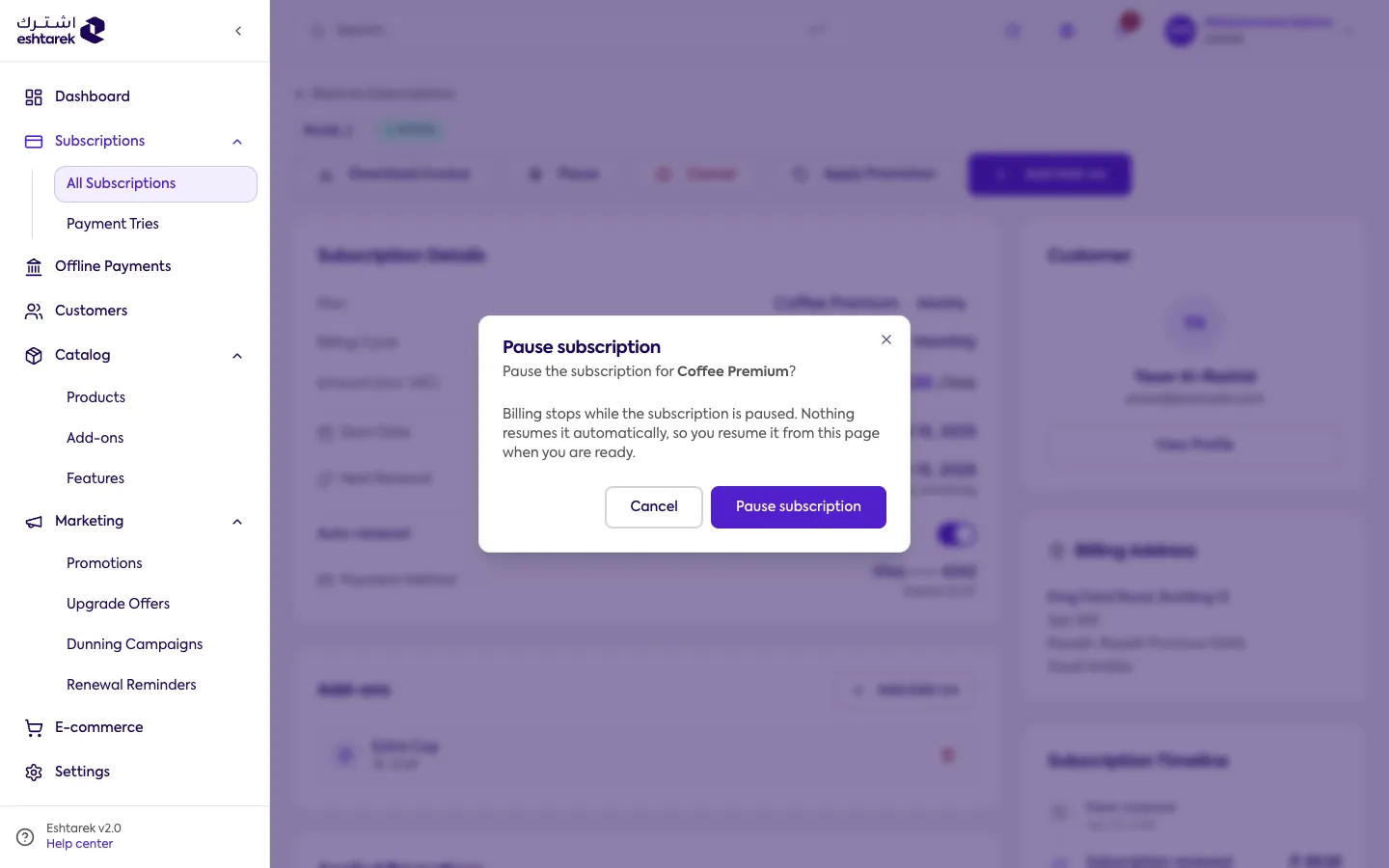
Pausing asks for confirmation too, and explains what stops and what continues:
Bulk action
Section titled “Bulk action”You can select several subscriptions and pause or cancel them at once. The action skips whatever does not apply.
If something goes wrong
Section titled “If something goes wrong”- Pause is unavailable: pausing is for active subscriptions only.