

Offline Payments
If your customer paid by bank transfer or in cash, this is where you review the request and approve it.
What this screen is
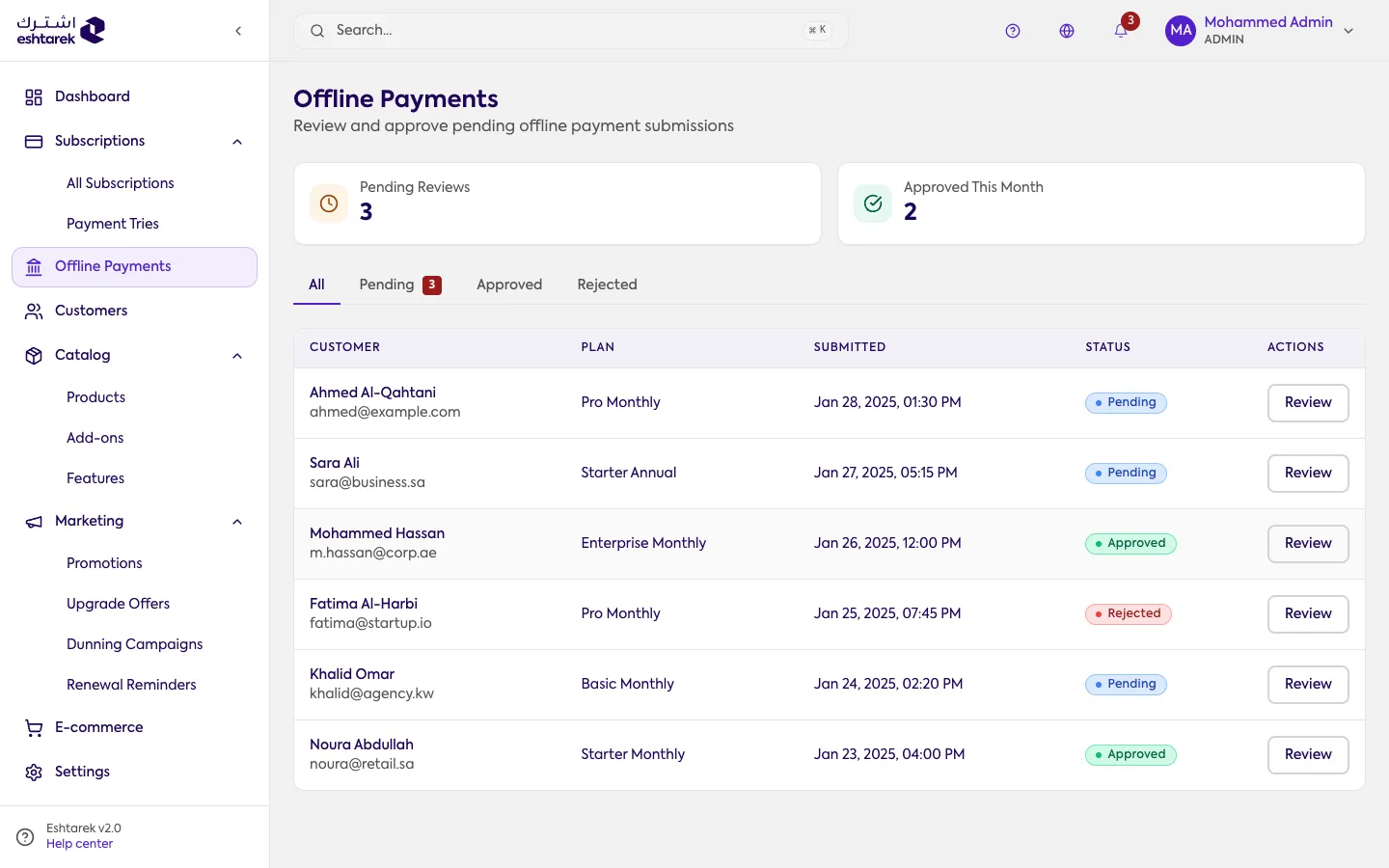
Section titled “What this screen is”Offline payment requests waiting for your review, split into tabs: all, pending, approved, rejected.
The fields
Section titled “The fields”Each request shows the customer, the plan, the amount, the payment method, the reference number and the date it was submitted. Open a request to review its details, including the customer’s notes and proof of payment if provided.
What happens after you review
Section titled “What happens after you review”- Approving activates the subscription attached to the payment.
- Rejecting leaves the subscription inactive.
If something goes wrong
Section titled “If something goes wrong”- A request has been pending for a while: open the pending tab and either approve or reject it.