

Team
Invite your colleagues and decide what each of them can do.
What this screen is
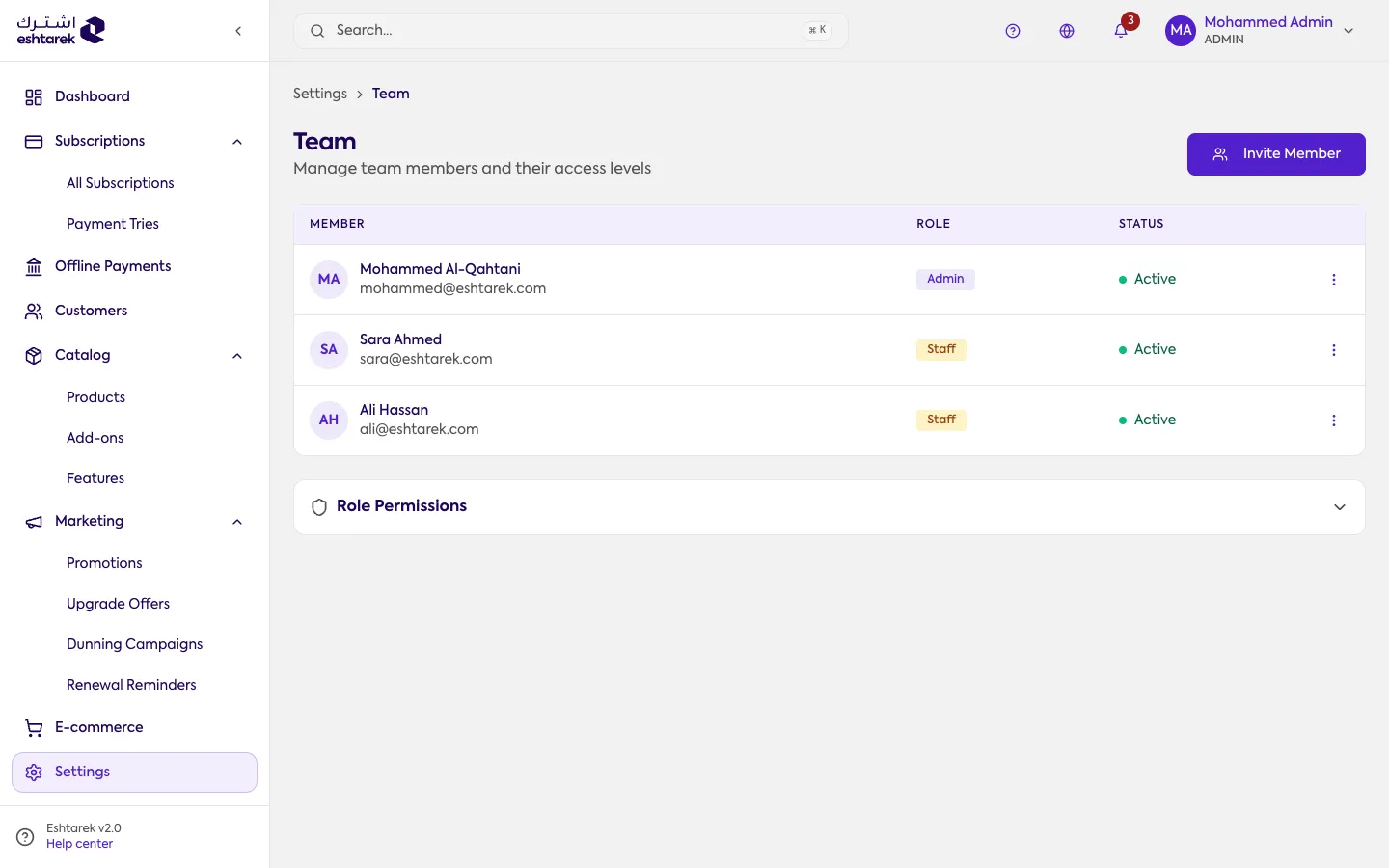
Section titled “What this screen is”Your team members and their roles. From here you invite new ones and set each member’s permissions.
The roles
Section titled “The roles”- Admin: full permissions.
- Staff: manages subscriptions, customers and the catalog.
- Viewer: read-only.
The actions
Section titled “The actions”- Disable a member: reversible, and suspends their access.
- Remove a member: permanent.
If something goes wrong
Section titled “If something goes wrong”- You cannot edit a member’s permissions: an admin’s permissions cannot be restricted, and you cannot edit your own.