

New subscription
Create a subscription for a customer yourself, instead of waiting for them to subscribe.
What this screen is
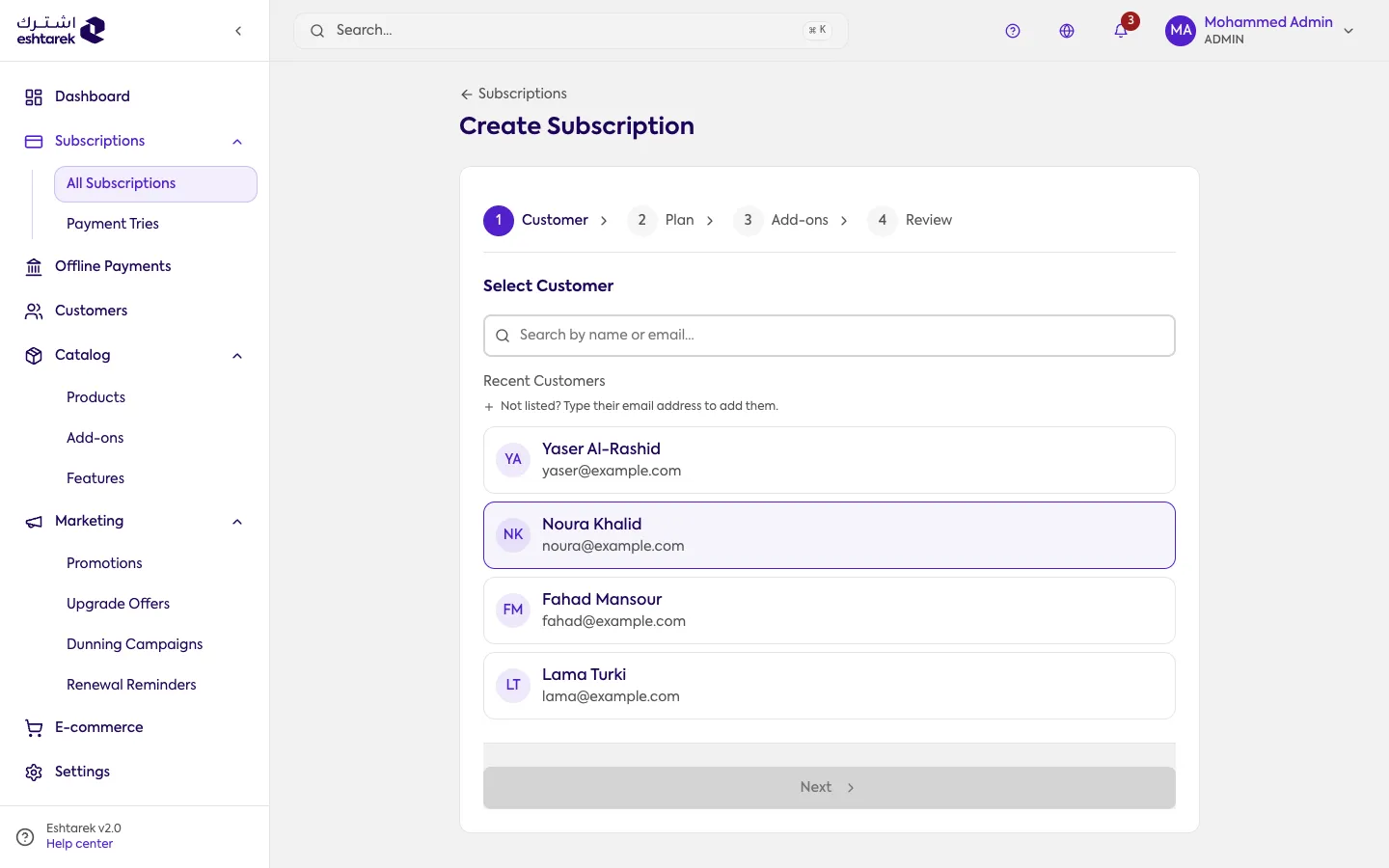
Section titled “What this screen is”A four-step wizard: the customer, the plan, add-ons, then review.
This screen is available to admin and above.
The steps
Section titled “The steps”- Customer: find an existing customer, or create a new one with a name, email and phone.
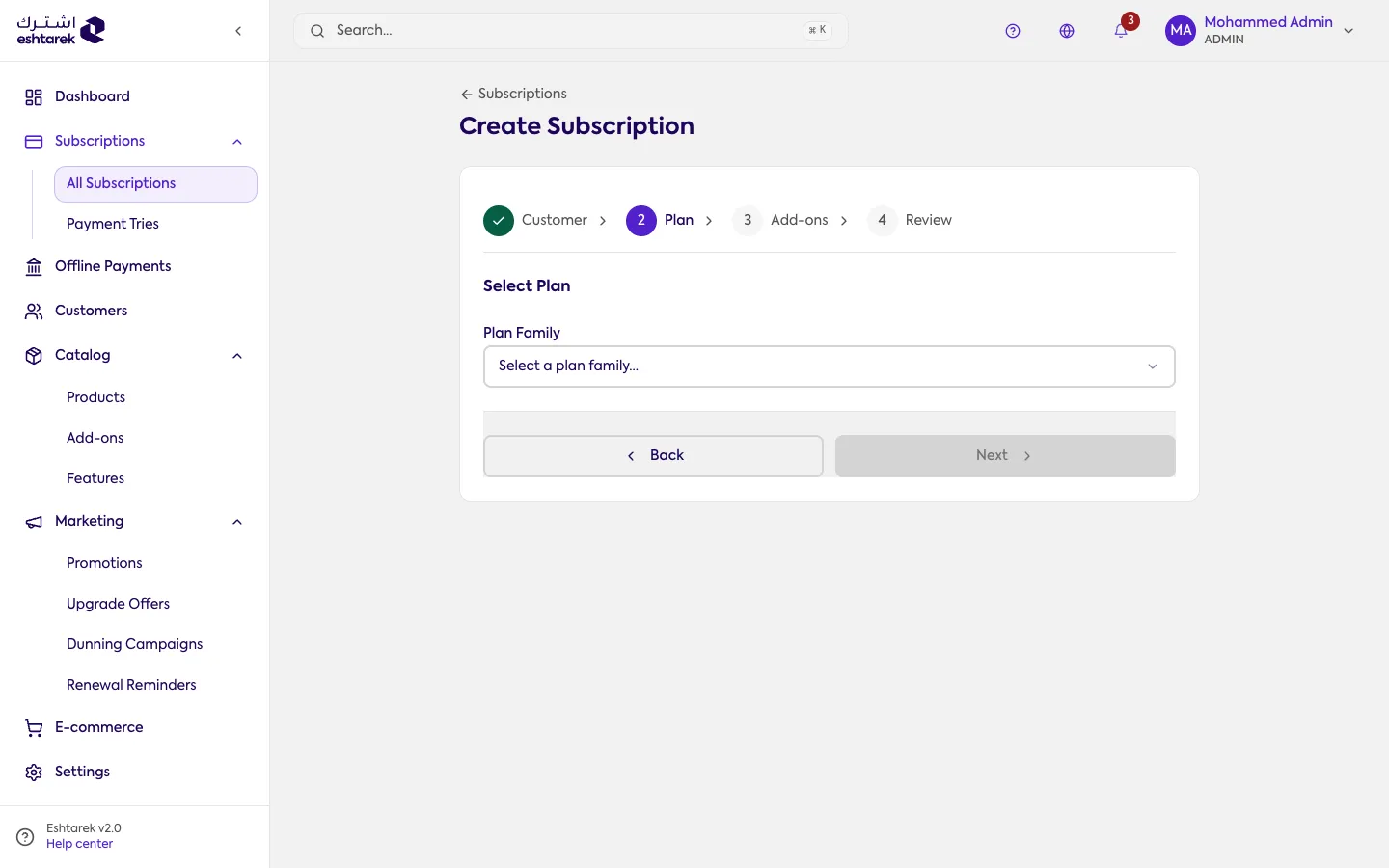
- Plan: choose the product, then the plan, then the billing option. The product is a dropdown, while the plan and billing option are cards you pick. Any setup fee or trial period appears here.
- Add-ons (optional): attach add-ons, and apply a promotion by entering its coupon code.
- Review: the order summary, the start date, and how the customer completes payment.
How the customer pays
Section titled “How the customer pays”In the review step you choose one of:
- Send payment link (recommended): the customer receives a link and completes payment themselves. You can set how long it stays valid, or copy it and share it yourself.
- Enter a payment method directly.
- Record as an offline payment if they are paying by bank transfer or cash.
- Free (no charge): the subscription is recorded without collecting anything.
What happens after you create it
Section titled “What happens after you create it”A confirmation screen explains exactly what happened: whether the subscription is active immediately or waiting on payment, and what was and was not sent to the customer. If you chose a payment link, it is here to copy, with a QR code.
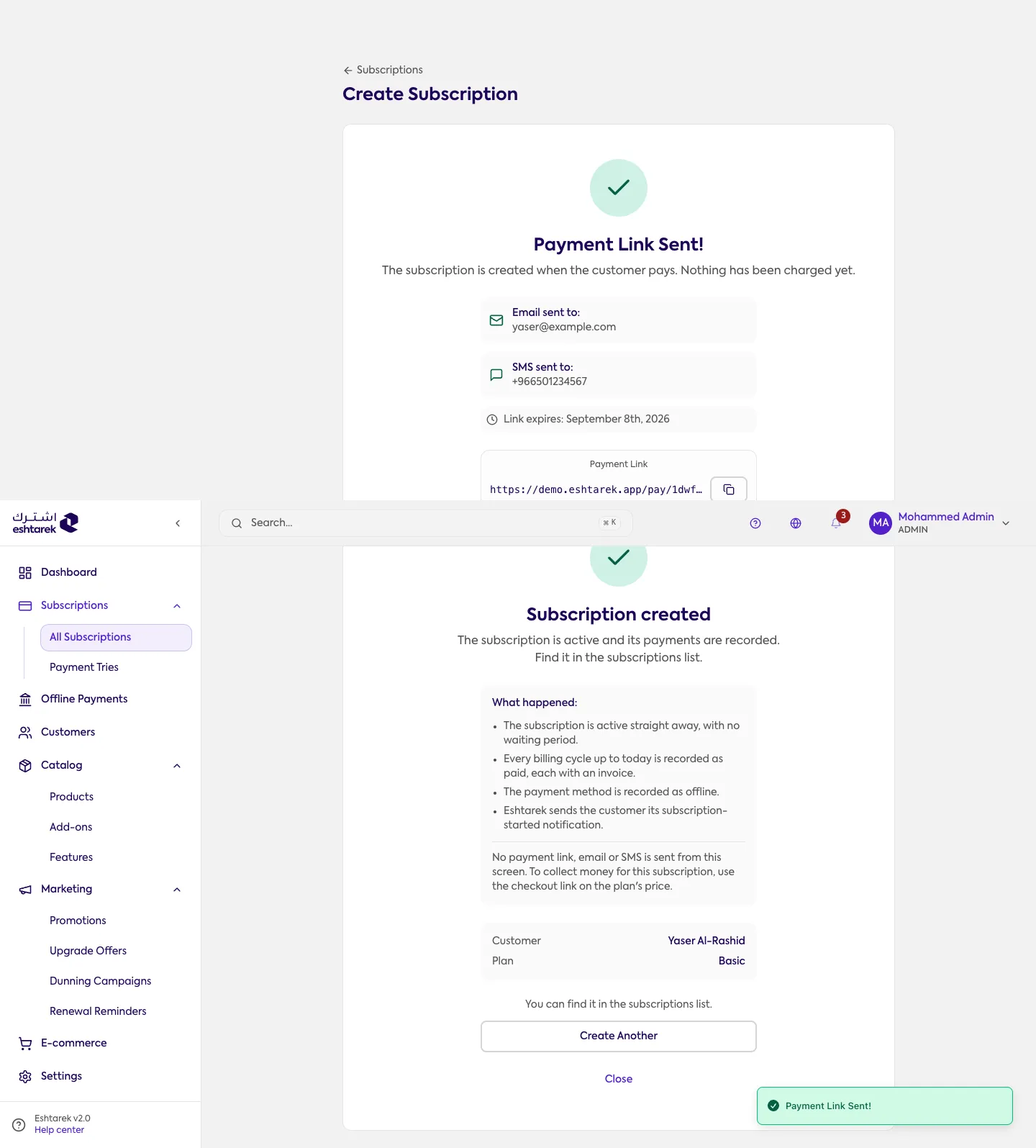
Read this screen before closing it: it is the only place that tells you whether the customer still has something to do. Create another repeats the process for a new customer.
The subscription appears in the subscriptions list. If you chose a payment link, it does not become active until the customer pays.
If something goes wrong
Section titled “If something goes wrong”- You cannot find the plan: make sure it has an active price on the plan page.