

Profile
This is your own account, not the store’s.
What this screen is
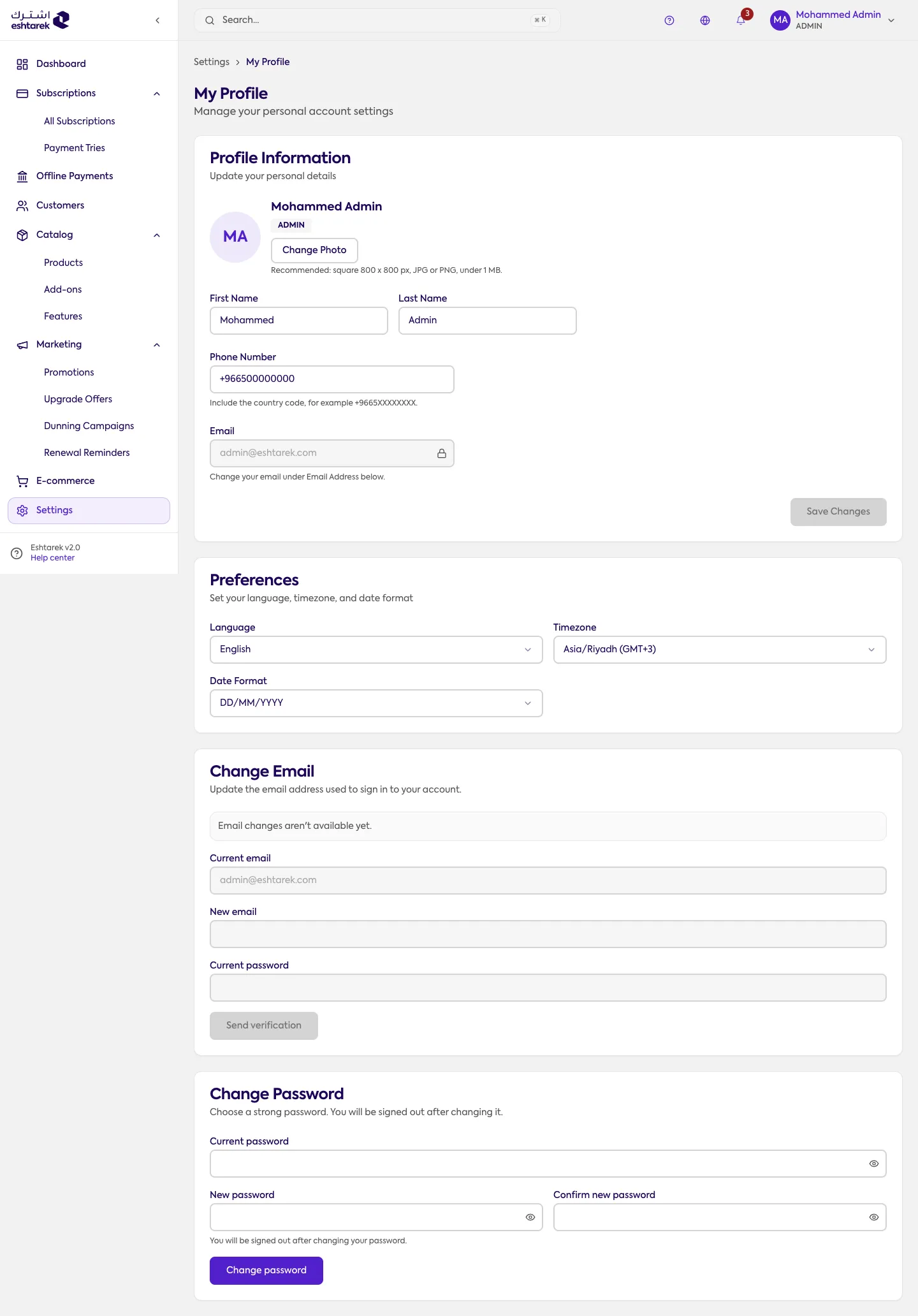
Section titled “What this screen is”Your personal account inside the store. The store’s own details are in general settings, and your colleagues are in team.
The fields
Section titled “The fields”- Personal information: first and last name, phone, job title, and the profile photo you upload or remove.
- Email: shown for reference only. It cannot be changed here, and changing it needs support.
- Security: change your password. You need your current one, the new one must be at least 8 characters, and a strength indicator is shown.
- Preferences: language, timezone and date format. These affect how the dashboard looks to you alone and do not change what your customers see.
What happens after you save
Section titled “What happens after you save”Changes apply to your account immediately. Changing your password affects your next sign-in.
If something goes wrong
Section titled “If something goes wrong”- The email field will not edit: that is intentional.
- Changing the language did not change your store: these preferences are yours alone. Your store’s language is in general settings.