

Approve an offline payment
When a customer pays by bank transfer or in cash, the request waits for your review.
The steps
Section titled “The steps”- From Offline Payments, open the pending tab.
- Choose Review on the request.
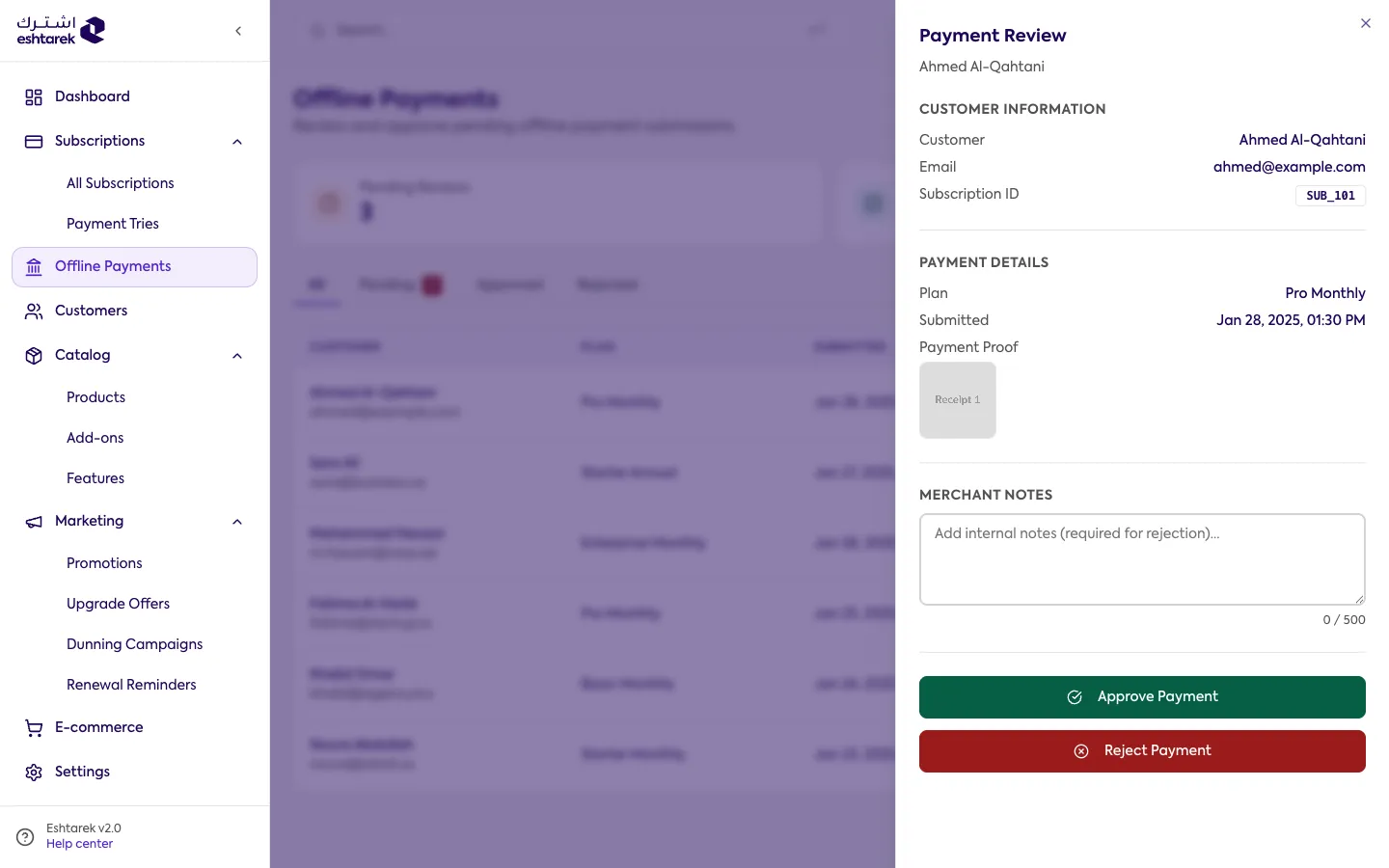
- Check the amount, the reference number and any proof the customer attached.
- Approve to activate the subscription, or reject to leave it inactive.
Remember
Section titled “Remember”Approving is what activates the subscription. Until you do, the customer has paid you but has no active subscription.