

Integrations
Connect your store to outside services: payment providers and your Zid store.
What this screen is
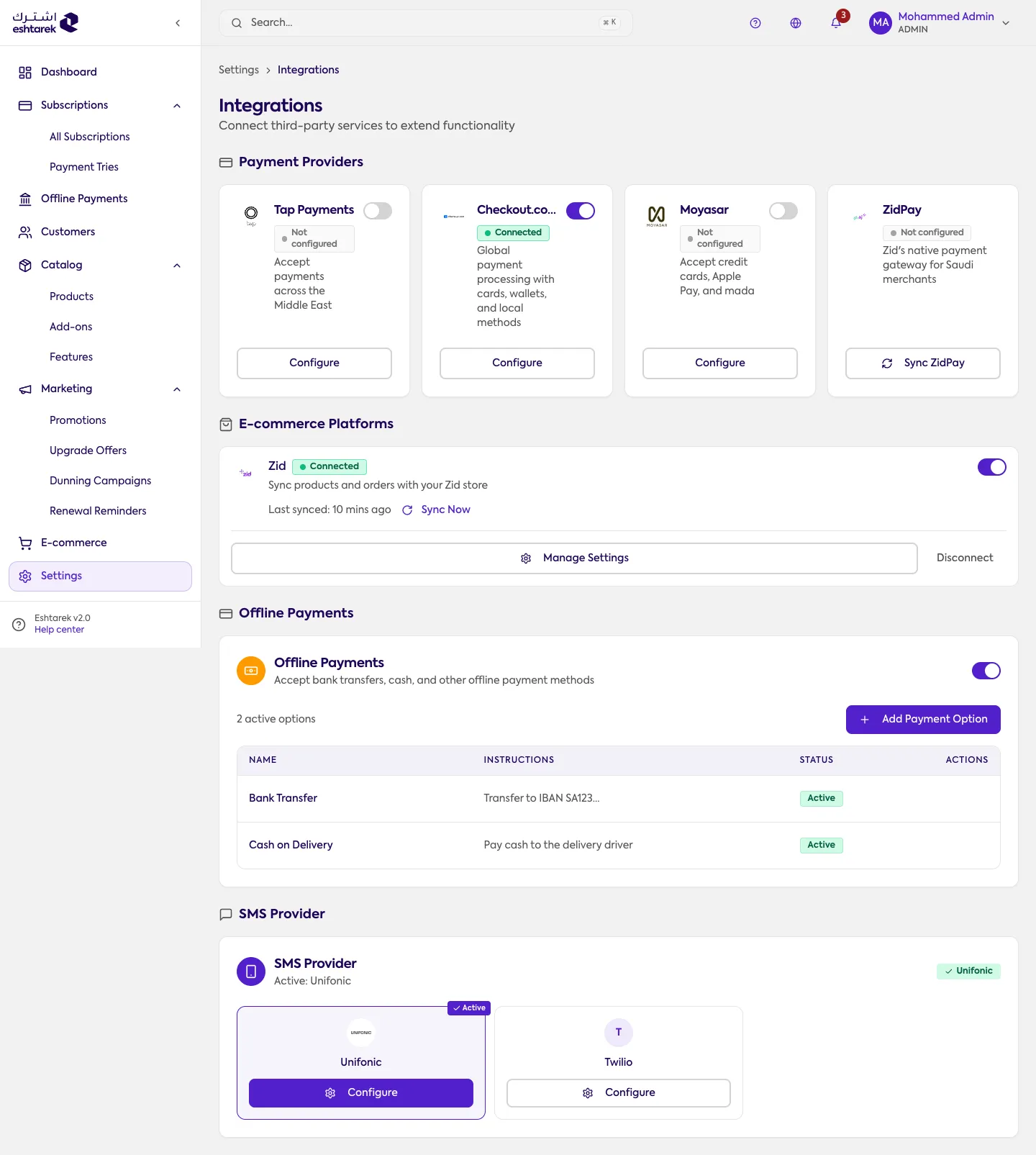
Section titled “What this screen is”A card per service you can connect, each showing its status and a link to its settings. Every card here is something you can actually connect; there are no “coming soon” cards.
Payment providers: Tap, Checkout, Moyasar and ZidPay. Alongside them, Zid integration connects your store.
The fields
Section titled “The fields”The card’s status tells you where you are: connected, configured but disabled, or not connected. To connect, open the card and enter the credentials from your account with that service.
Setup and activation are two steps. A provider whose details you entered but did not enable collects nothing, and a provider cannot be enabled before it is configured.
The SMS provider
Section titled “The SMS provider”This screen is also where you connect your SMS provider. Choose Configure on its card:
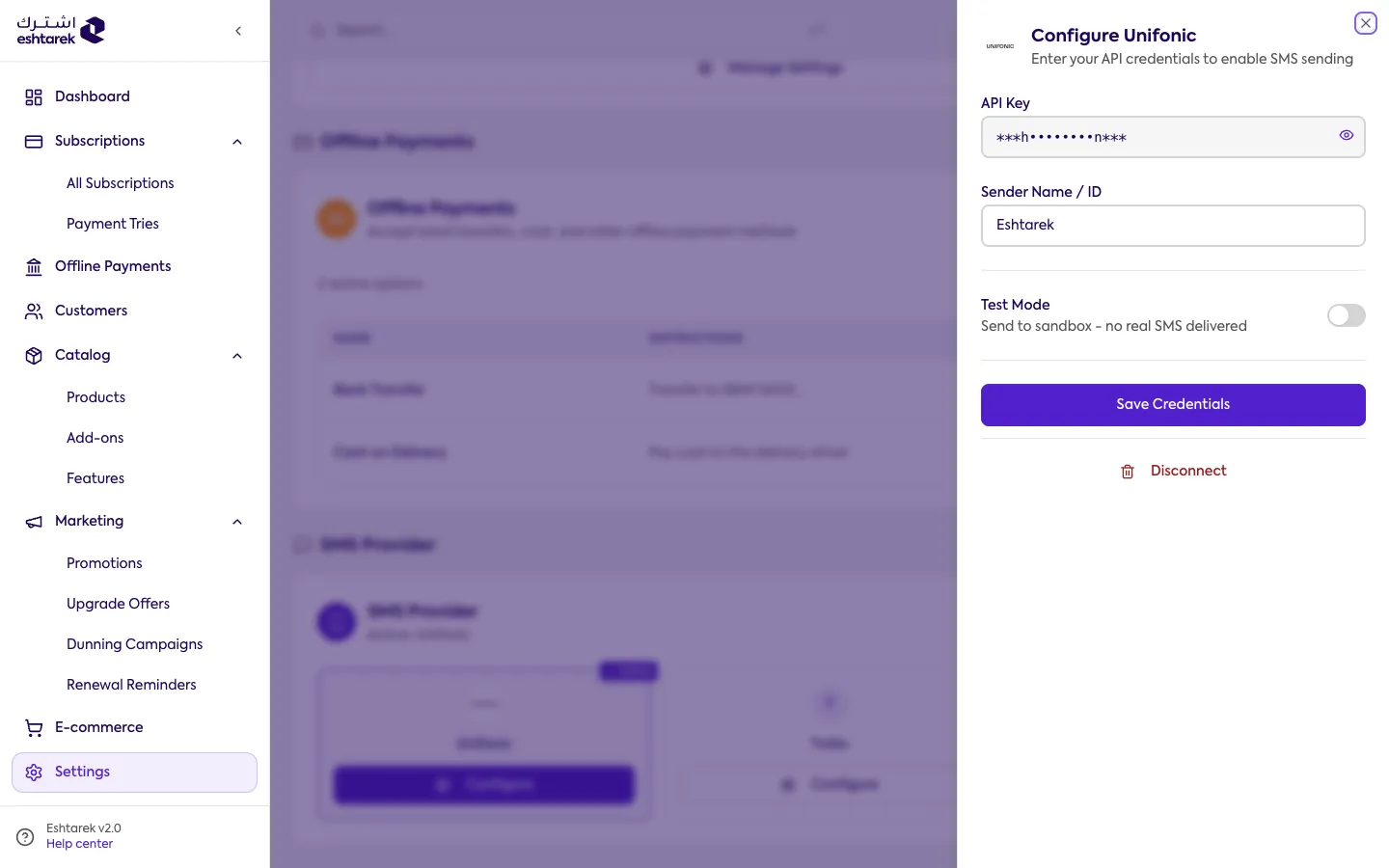
Some providers ask for an API key, others for a username and password, and each has a test mode that sends to a test environment without delivering real messages. Setup and activation are two steps here too: save the details first, then set it as the active provider. Disconnect deletes the saved details.
The message text itself is in SMS templates.
ZidPay differs from the rest: you enter no credentials, it comes from your Zid store, and so it carries a sync action that re-reads its state from Zid. If the sync fails, a message explains the reason as Zid reported it.
If something goes wrong
Section titled “If something goes wrong”- You enabled the provider and nothing was collected: check its status reads connected, not disabled.
- The enable button does nothing: enter the provider’s details first.
- ZidPay sync fails: the message carries Zid’s reason. Fix it in your Zid store and sync again.