

Zid integration
If your store is on Zid, this is where you connect it, sync its products and follow its subscriptions.
What this screen is
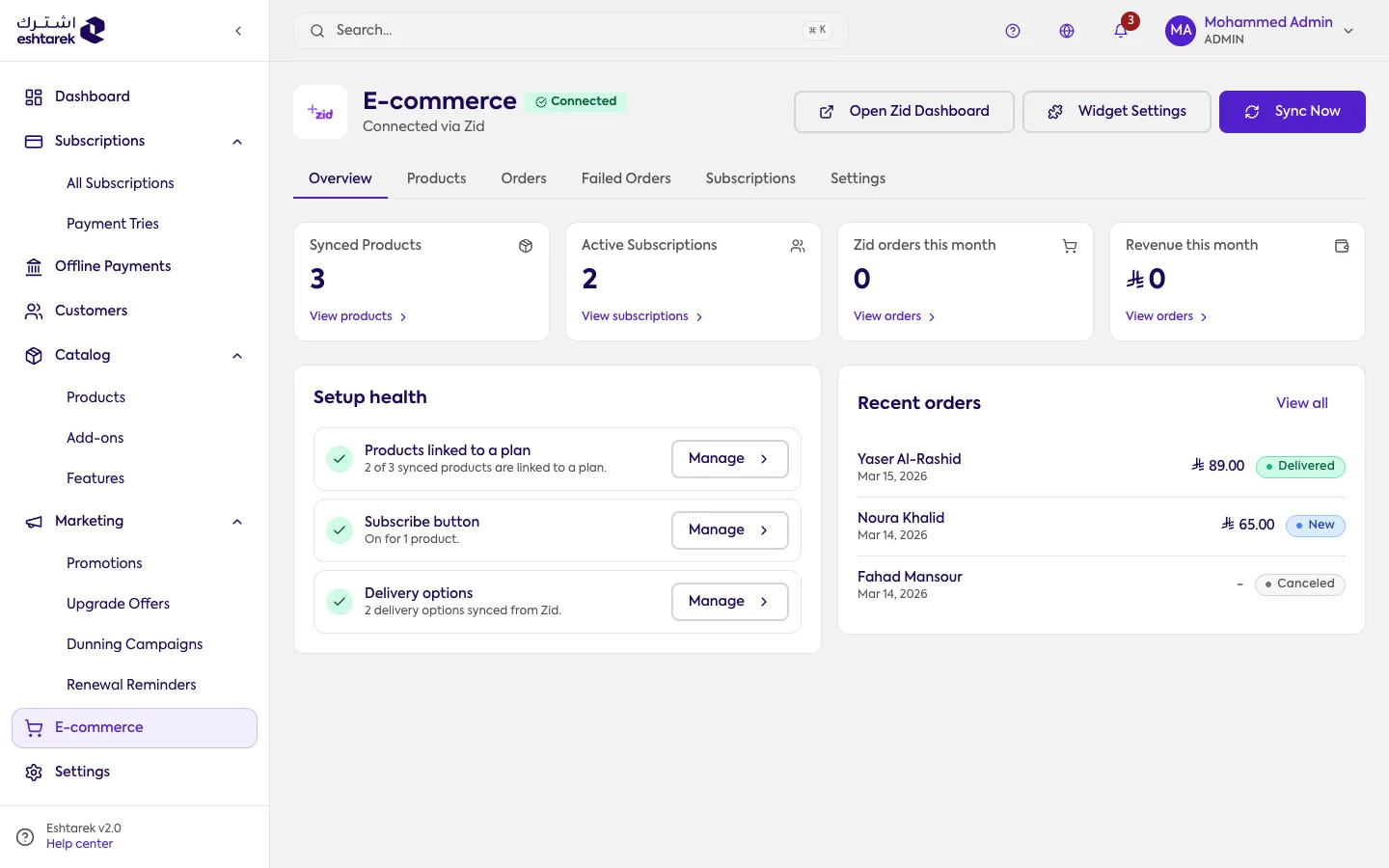
Section titled “What this screen is”The Zid integration page. It shows the connection status, the last sync, a Sync Now button, counts such as synced products and active subscriptions, and quick links to the rest of the Zid section.
How connecting works
Section titled “How connecting works”You connect by installing the app from your Zid store. After that, syncing pulls Zid’s data in: we read from Zid and never write back to it, so changes travel one way, from Zid to here.
The sections
Section titled “The sections”- Zid products: turn on subscriptions per product and link each to a plan.
- Zid orders and Zid subscriptions: what your store has produced.
- Failed orders: the orders we gave up creating, and why.
- Zid settings and delivery options.
If something goes wrong
Section titled “If something goes wrong”- Status says not connected: install the app from your Zid store first.