

Create a discount code
A discount code is a promotion your customer enters when subscribing.
The steps
Section titled “The steps”- From Promotions, choose create.
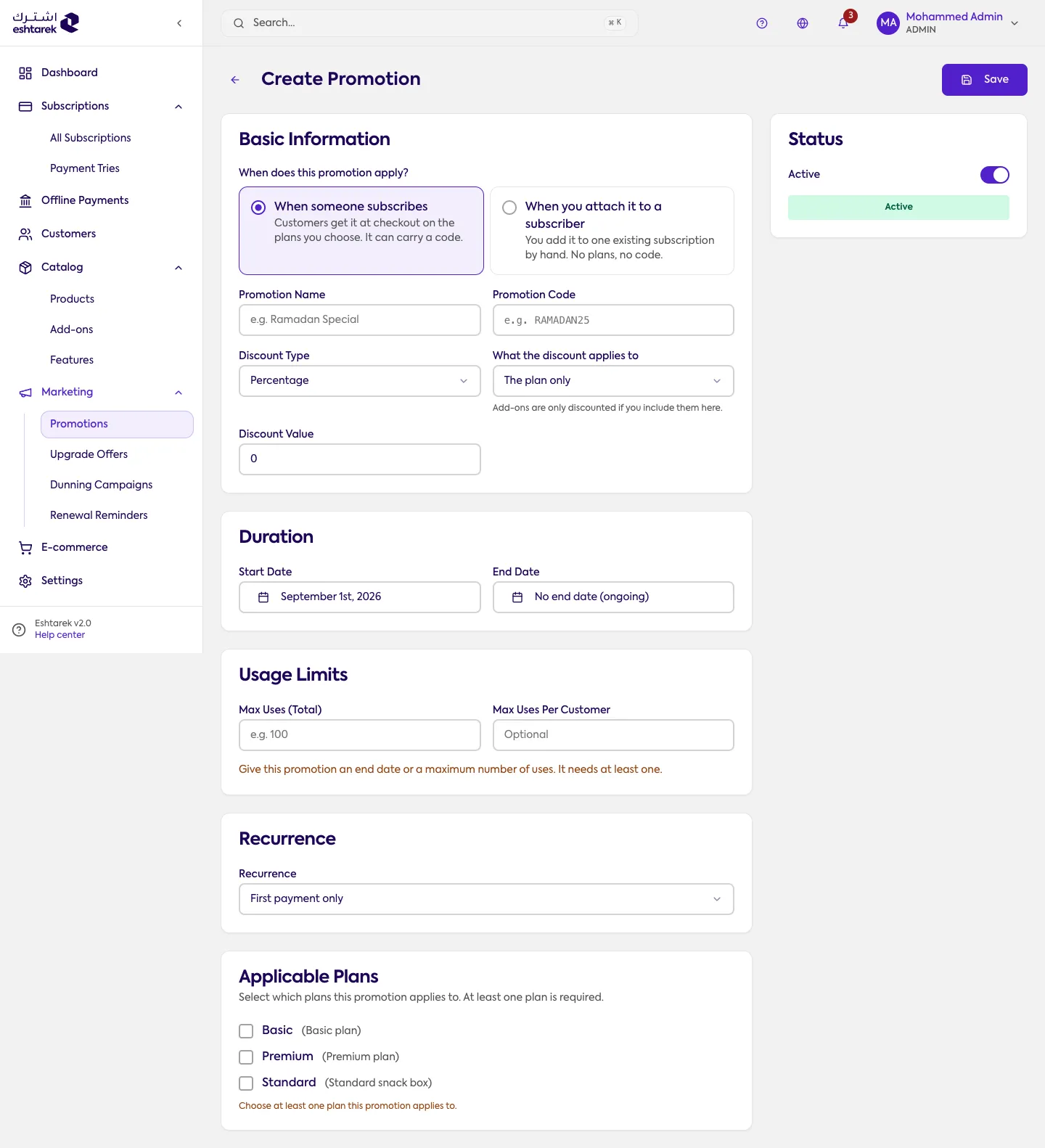
- Set the name and the code the customer will type.
- Choose the discount type, a percentage or a fixed amount, and its value.
- Optionally set a usage limit and a date range.
- Save. The code works immediately, within its limits.
Where the code can be used
Section titled “Where the code can be used”- The customer enters it at checkout.
- You apply it when creating a subscription from New subscription.
- You apply it to an existing subscription from its page.
If something goes wrong
Section titled “If something goes wrong”- The code does not work: check it is inside its date range and has not passed its usage limit.